Tracker detector app for iPhone & AndroidCheck for trackers.
Get a clearer
picture.
A Bluetooth tracker detector for your car, room and bag. Scan for AirTag, Tile and SmartTag-like signals, review repeat detections, and find your own lost earbuds nearby.


Free to download for iPhone & Android
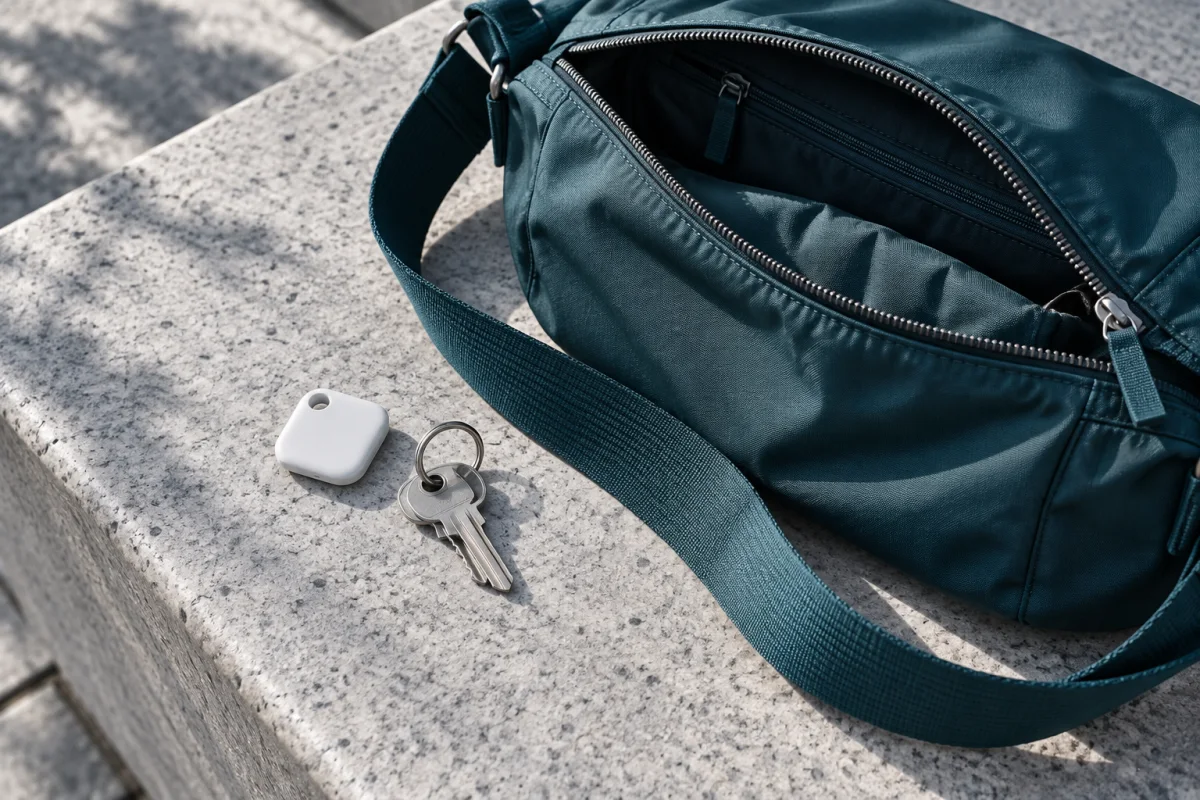
Review unfamiliar devices and repeat detections.
Check your car, your room, your everyday carry.
Scan history stays on your phone
How a tracker
scan works.
Tracker Detect checks the Bluetooth signals around you, sorts tracker-like devices from everyday ones, and shows you which ones deserve a closer look.
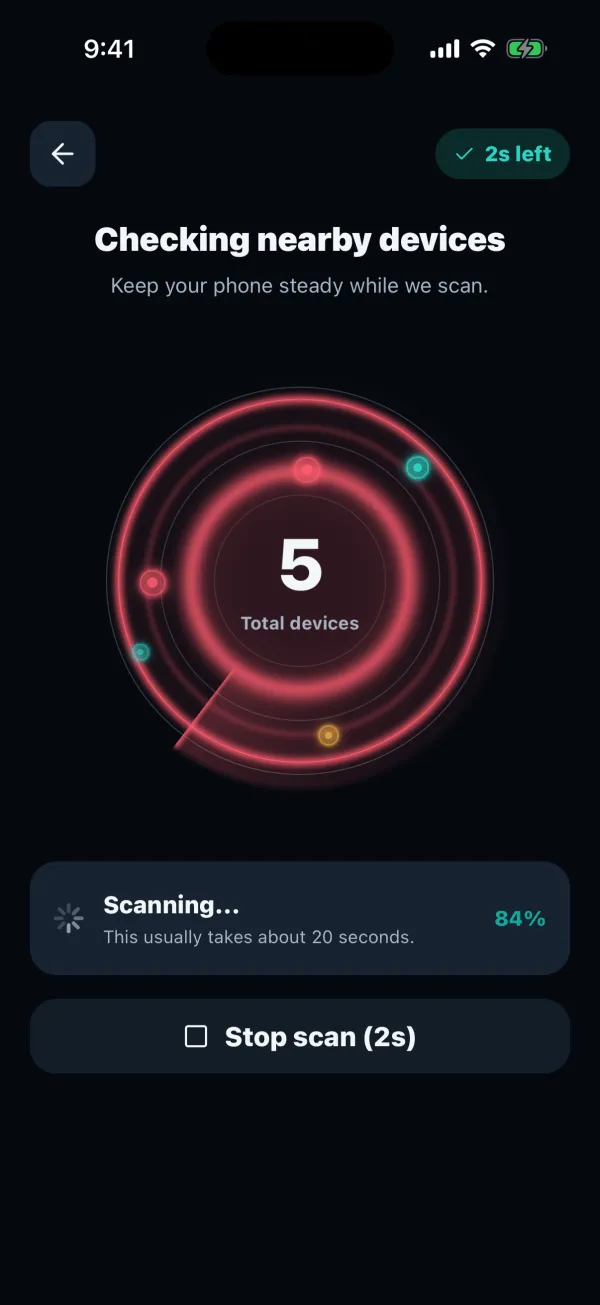
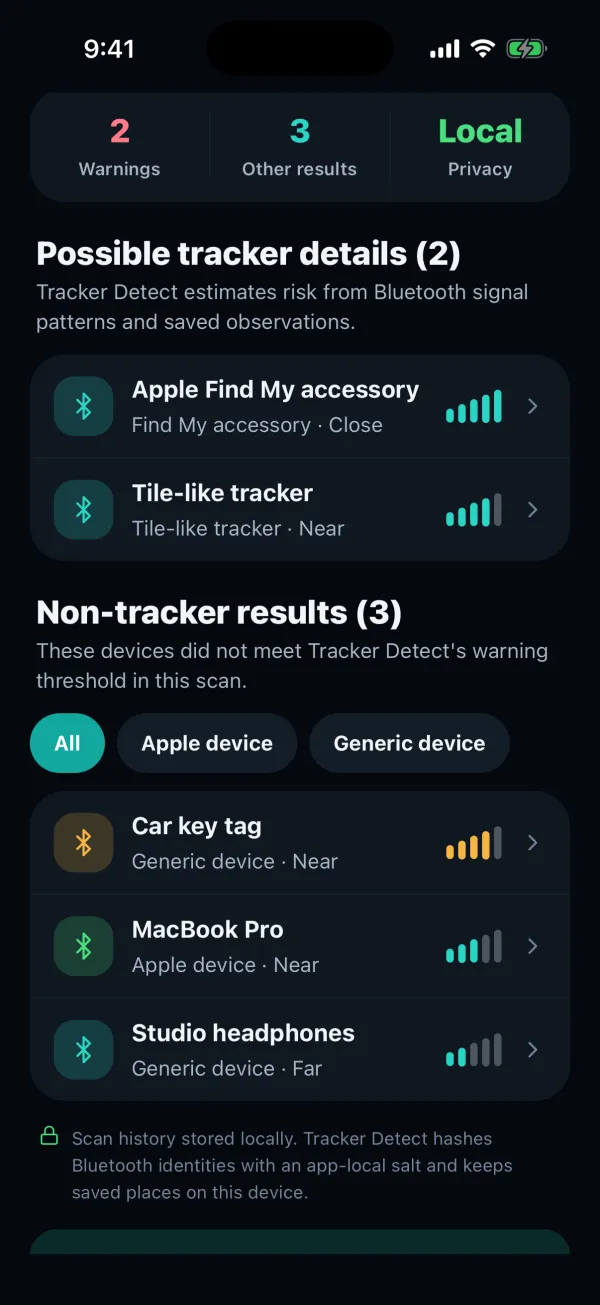
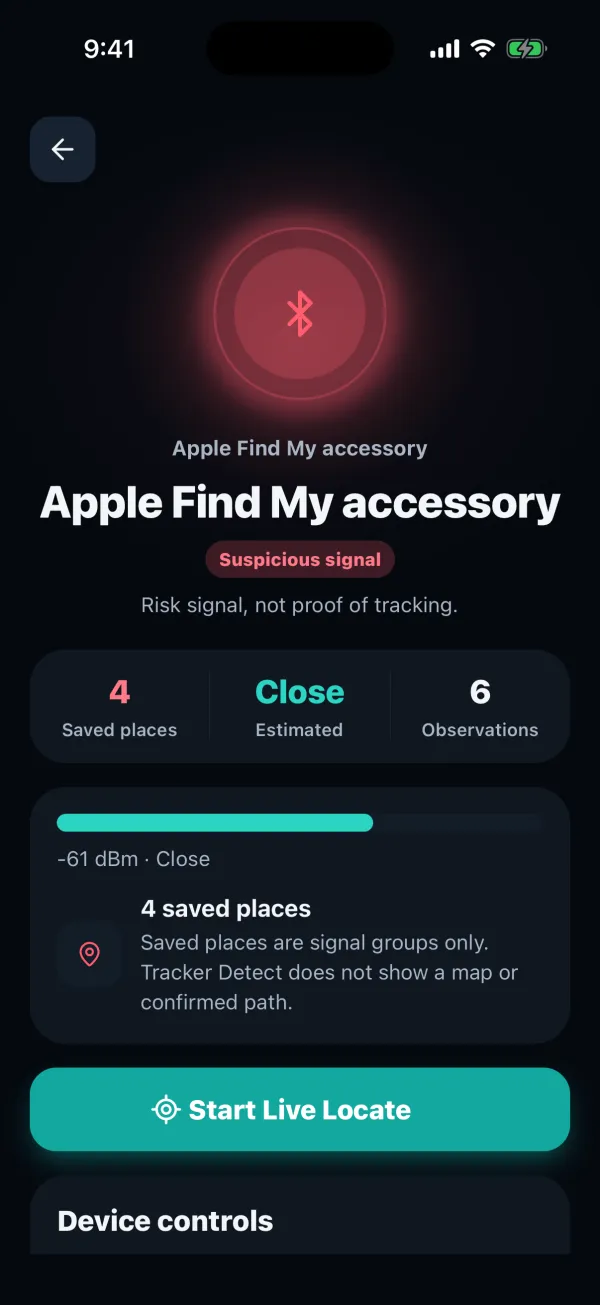
Tracker Detect 3.4.5 on iPhone with sample scan data and Premium enabled.
Your next check starts on your phone.
Get the appAirTag, Tile, SmartTag
and more.
When a nearby signal matches a known item-tracker pattern, Tracker Detect labels it by family. Everything else is listed separately, so your own headphones and laptop are easy to rule out.
- Apple Find My accessoryAirTag and other accessories on Apple’s Find My network
- Tile-like trackerSignals that match Tile trackers
- Samsung SmartTag-like deviceSignals that match Galaxy SmartTags
- Google Bluetooth tagTags on Google’s Find Hub network, such as moto tag
- Chipolo-like trackerSignals that match Chipolo trackers
- Pebblebee-like trackerSignals that match Pebblebee trackers
A label describes the Bluetooth pattern. It doesn’t tell you who owns the device. Free scans show whether anything tracker-like turned up, and Premium shows the family and the evidence behind each warning.
How to find a hidden AirTag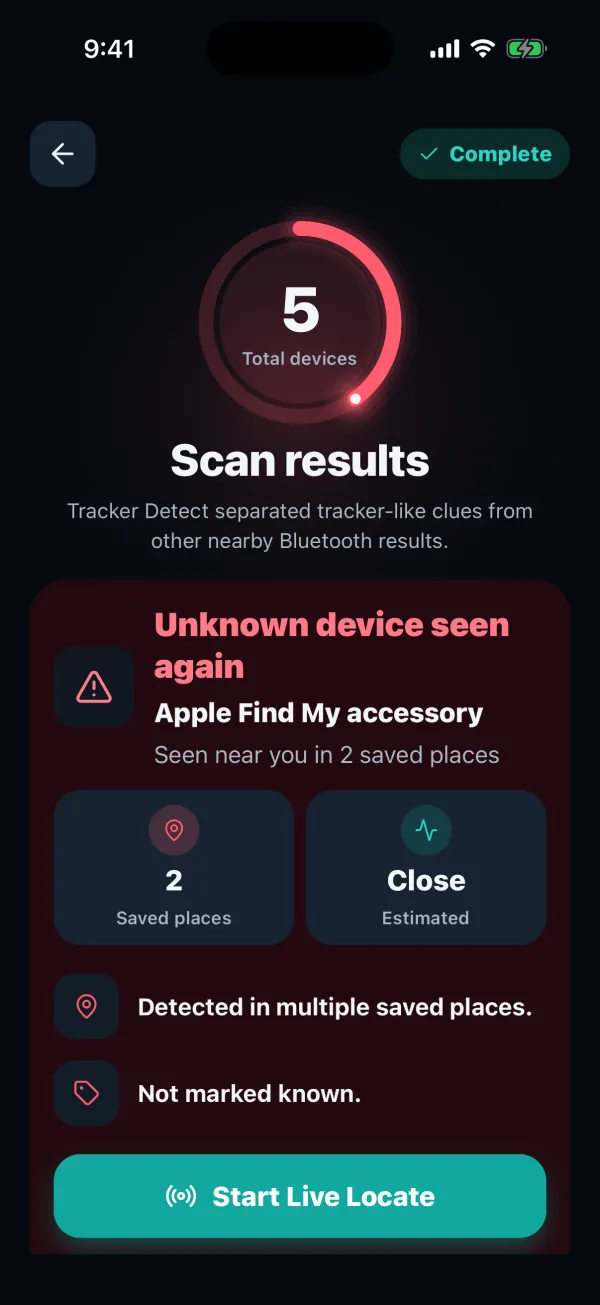
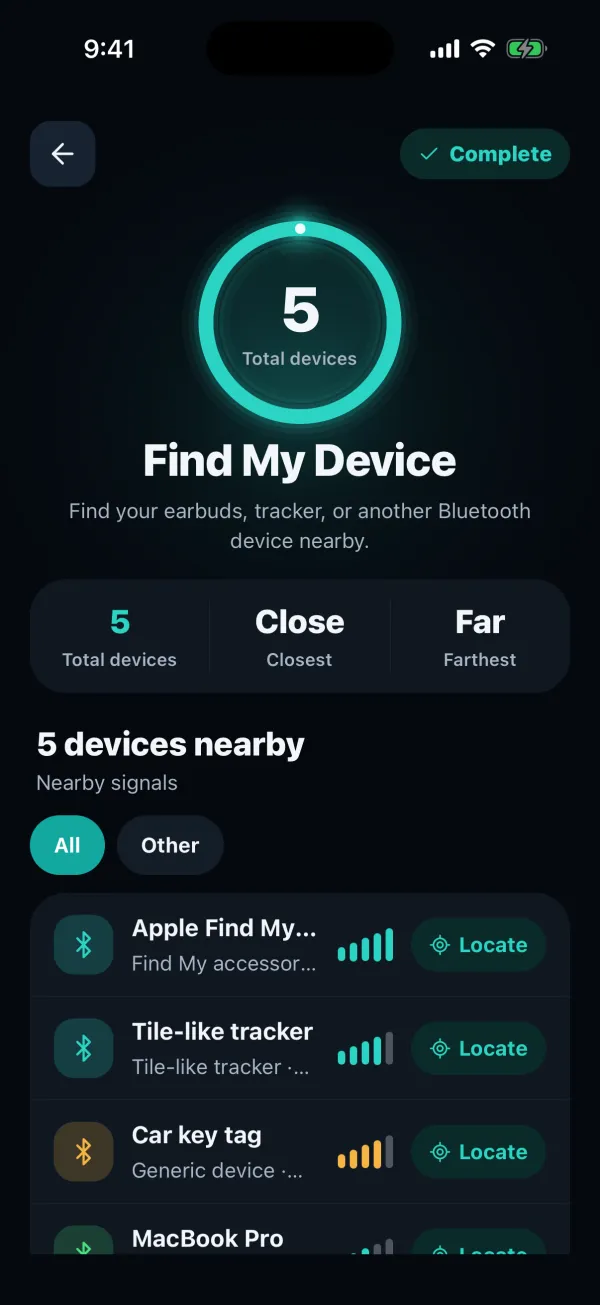
Lost your earbuds?
Switch to Find My Device.
The same scanner can look for your own things. Find My Device lists nearby Bluetooth devices from the strongest signal to the weakest, so you can walk toward misplaced earbuds, a tracker tag or a speaker.
- Shows any nearby device that broadcasts Bluetooth Low Energy, whatever the brand.
- Premium keeps scanning while you walk from room to room and adds Live Locate for the final few steps.
Guides for the
checks you need.
Step-by-step help for cars, bags, alerts and lost devices, including what a phone scan can’t tell you.
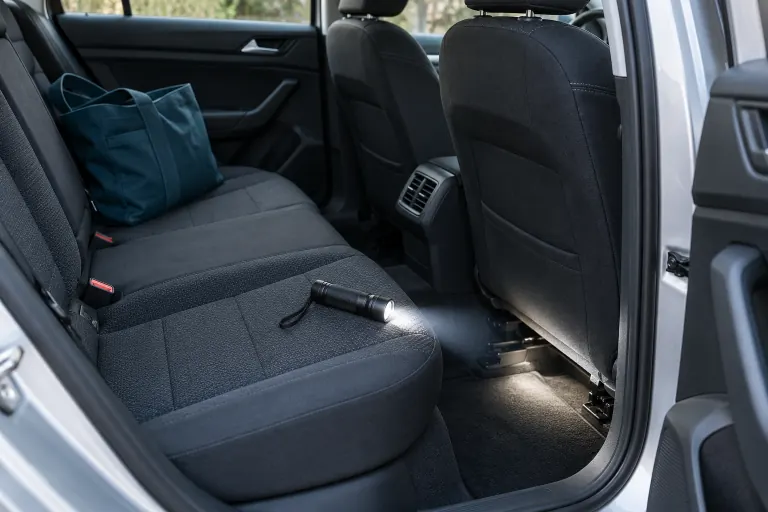 Car
CarHow to find a tracker on your car
Phone alerts, a Bluetooth scan and where to look by hand, including GPS trackers that a scan can’t see.
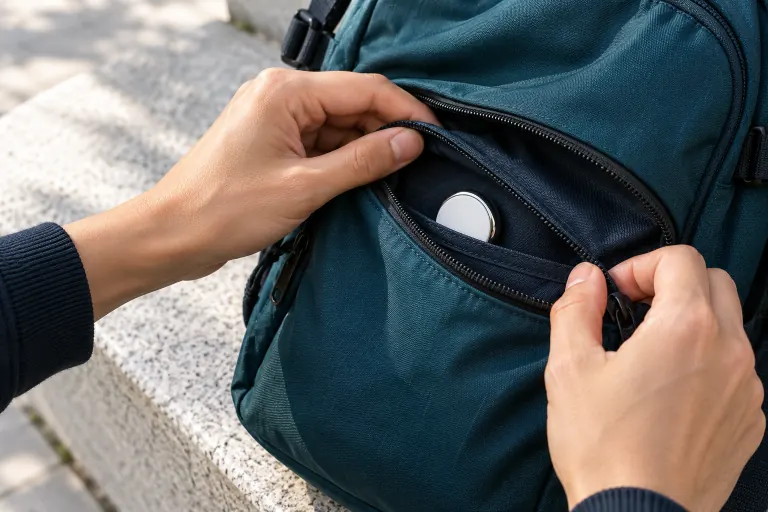 AirTag
How to find a hidden AirTag
Use iPhone and Android alerts, scan for AirTags and other trackers, then search bags, coats and cars.
 Lost device
How to find lost earbuds
Start with your earbuds’ own finder, then follow their Bluetooth signal room by room.
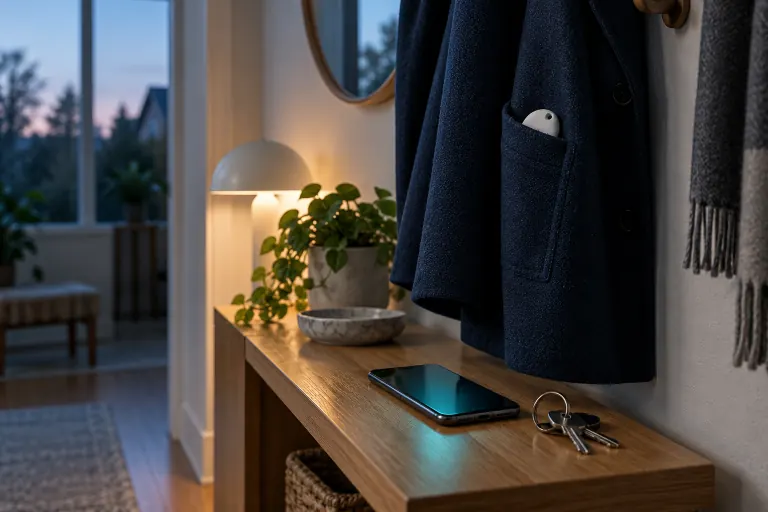 Alerts
Unknown tracker alerts on iPhone and Android
What the notification means, how to find the item, and what to save before you disable it.
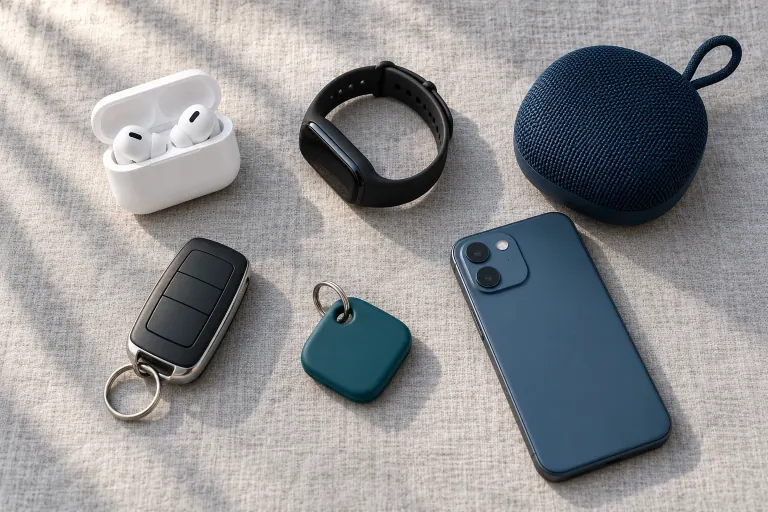 Bluetooth
Using a Bluetooth scanner app
How to read names, signal strength and repeat detections without jumping to conclusions.
Know what to
look at next.
Go beyond a list of nearby devices. Use repeat observations, known-device controls and live signal guidance to focus your check.
Separate familiar from unfamiliar
Mark your own accessories as known. Give unfamiliar devices the attention they need when you review your next scan.
Follow changes in the signal
Premium Live Locate helps you see whether a signal is getting stronger or weaker. Proximity is an estimate, not an exact distance or direction.
Keep your scan history close
Revisit saved observations and compare repeat detections. Your detection history is stored on your phone.
A few things
worth knowing.
Questions about Bluetooth tracker detection, answered plainly.
Contact FTW-LabsWhat can a Bluetooth tracker detector find?
Tracker Detect scans nearby Bluetooth Low Energy (BLE) signals and flags patterns that match item trackers such as AirTag, Tile and Samsung SmartTag. Headphones, watches and laptops can appear too, listed separately as non-tracker results. It can’t find GPS-only devices, hidden cameras or phone spyware, and no scan can promise that an area is free of trackers.
Can Tracker Detect find a hidden AirTag?
It flags nearby signals that match Apple’s Find My accessories, which include AirTag. Whether a particular AirTag shows up depends on its state, its signal and your phone’s permissions, so keep your phone’s own unwanted-tracking alerts switched on as well.
Tracker Detect is an independent app by FTW-Labs. It is not Apple’s Tracker Detect app and is not affiliated with Apple.
Does it detect Tile, SmartTag and other trackers?
Yes, when the signal matches a known pattern. Results can be labeled as Tile-like, Samsung SmartTag-like, Chipolo-like or Pebblebee-like trackers, or as a Google Bluetooth tag. The label describes the signal pattern and doesn’t identify the owner.
How do I check my car for a tracker?
Park somewhere safe, turn on Bluetooth and run a scan beside the car and inside it. Review anything flagged as tracker-like, then check bags, seat pockets, the trunk and other places you can reach without tools.
Can a phone find a GPS tracker on my car?
Not through Bluetooth. A GPS tracker that reports over a cellular connection doesn’t need to broadcast a Bluetooth signal, so a scan can come back empty while one is fitted. A physical check, or an inspection by a mechanic, is the way to look for those.
Can it help me find my lost earbuds?
Yes, if they still have power and are within Bluetooth range. Switch to Find My Device, run a scan and walk toward the strongest signal. Earbuds in a closed case or with a flat battery may not broadcast at all.
Does an unknown device mean someone is tracking me?
No. Most unknown devices are ordinary accessories belonging to people nearby. A tracker-like device seen in several of your saved places is worth a closer look, but it doesn’t prove who owns it or why it’s there. If your phone has shown an unknown tracker alert, follow that alert first.
Is Tracker Detect available for iPhone and Android?
Yes. On the App Store it is listed as Tracker Detect: Device Finder, and on Google Play as Nearby Scan: Tracker Detector. The download buttons on this page open the official listings.
How does the app handle my data?
Scan history and saved places stay on your phone, and Bluetooth identities are hashed with an app-local salt before they’re stored. The app also uses services for analytics, diagnostics and subscription management. See the privacy policy for details.
Ready to check
what’s nearby?
Get Tracker Detect and start your next Bluetooth scan.