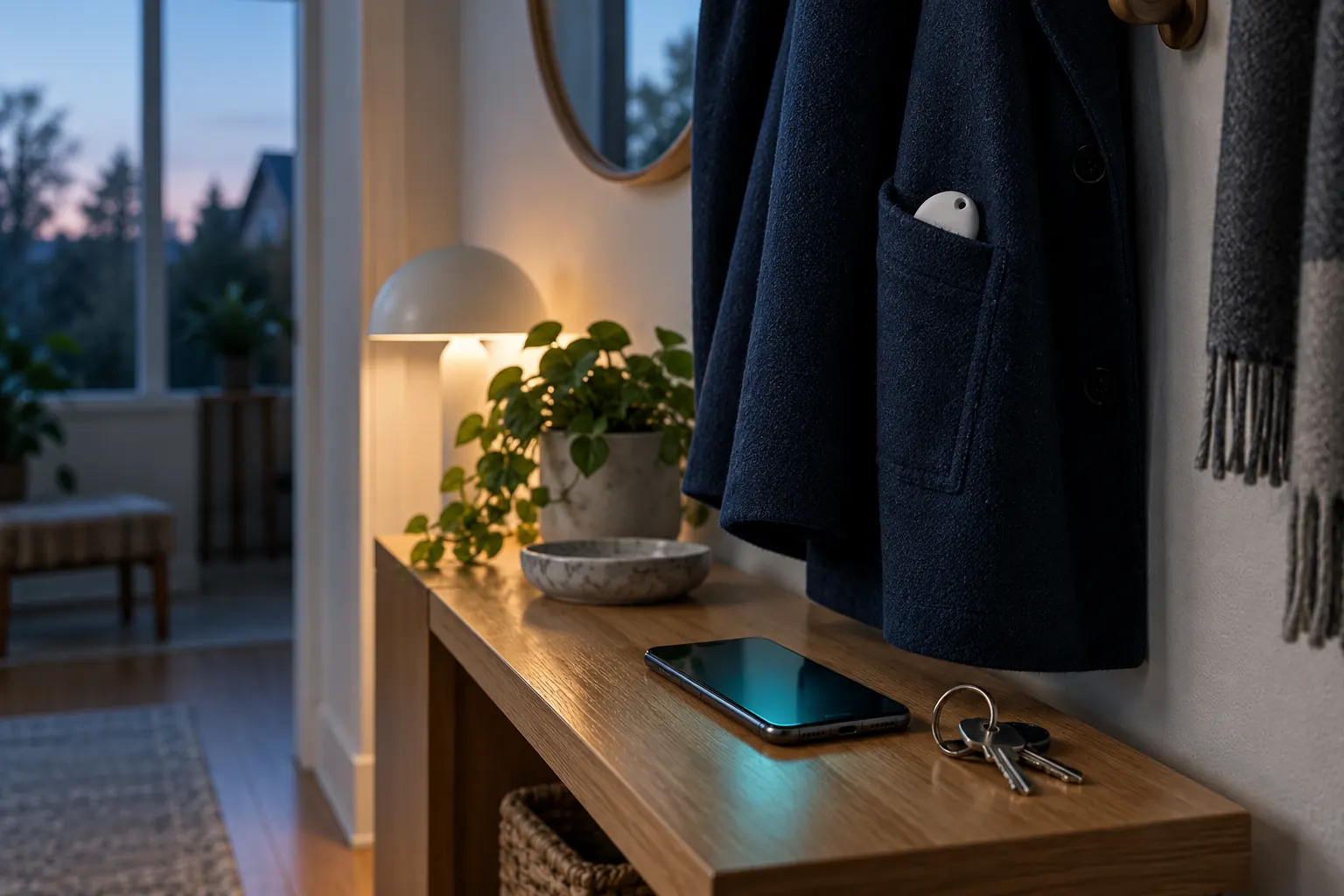
An unknown tracker alert means your phone has noticed a Bluetooth tracker that belongs to someone else moving along with you. Open the alert, look at the map of where it was seen, and play a sound if the option is offered. On Android you can also check on demand from Settings, Safety & emergency, Unknown tracker alerts, Scan now. Take screenshots before you disable anything.
The most useful first action is to open the alert, rather than starting another scan and losing the context your phone already collected. Review the device, time and places shown before deciding what to do next.
What an unknown tracker alert means
A system alert means a compatible item tracker may be moving with you. It is a reason to check the details, not proof of who owns the item or why it is nearby. Borrowed belongings can be one explanation.
A nearby result from an app scan answers a different question: what is detectable here now? Do not treat a list of nearby signals as equivalent to an automatic unwanted-tracking notification.
Unknown tracker alerts on Android
- Open the notification and review the map and device details.
- Use Play sound or other finding options offered for that tracker.
- For a manual system scan, open Settings → Safety & emergency → Unknown tracker alerts → Scan now.
Menu names can vary. On older Android versions, look under Google → Personal & device safety. A manual scan checks for supported nearby trackers separated from their owners; it does not establish that one traveled with you. Follow Google’s current instructions for your device.
Unwanted tracking notifications on iPhone
Open the alert and follow its finding options. Play Sound may be available; Find Nearby depends on the accessory and iPhone model. To revisit recent alerts, Apple directs you to Find My → Items → Unknown Items Detected with You.
Keep Bluetooth and Tracking Notifications enabled, and check the requirements in Apple’s unwanted-tracking guide. Apple’s system features are separate from the FTW-Labs Tracker Detect app.
If the item stays out of sight
Save screenshots of the notification and available device details. Look through accessible belongings you had with you. If you feel unsafe, move to a safe public place and contact local emergency services or someone you trust.
Turning off your phone’s Bluetooth does not disable the tracker. Use the manufacturer’s instructions for the specific item, including its identification and disabling options. The Google guide explains what to preserve and what can change when an item is disabled. For AirTags specifically, the hidden AirTag guide covers where they tend to end up.
Where a tracker detector app fits
Tracker Detect by FTW-Labs can add a manual view of nearby BLE signals, saved observations and known devices. Premium Live Locate helps you investigate a detectable signal using changes in strength. It does not identify the owner or prove that the device followed a particular route.
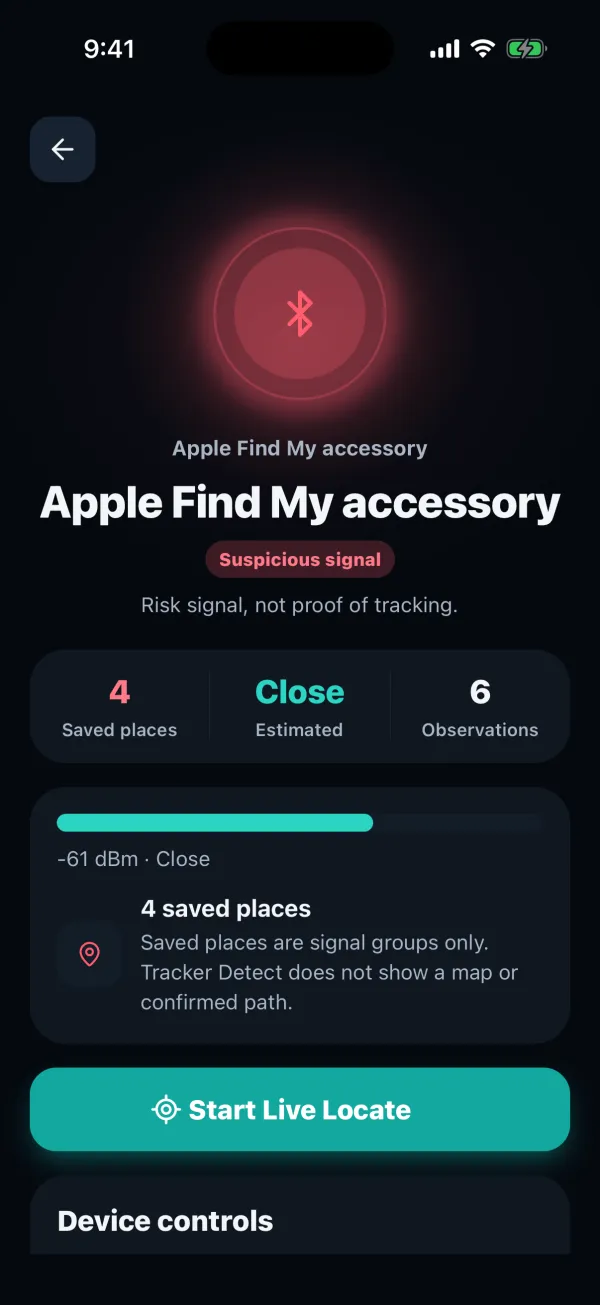
Premium background scan alerts also have operating-system and battery limits. They are app features, not Apple or Google system notifications. Keep the distinction clear when reviewing either kind of alert.
For an unfamiliar entry in an app scan, use our Bluetooth scanner guide. If your concern is a vehicle, the car-check guide explains the limits of a phone scan and the role of a physical check.
Tracker alert questions
Why did I get an alert for a family member’s tracker?
Alerts trigger for any tracker registered to someone else that moves with you, including a partner’s keys or a borrowed bag. On iPhone, the owner can share an AirTag with up to five people through Find My, which stops the alerts for those people.
What should I save before disabling a tracker?
Take screenshots of the alert, the map of where it was seen and any device details, including the serial number if your phone shows it. Note when and where you found the item. That record matters if you report it to the police later, and some details can’t be retrieved once the tracker is disabled.
Check nearby signals with Tracker Detect
Scan nearby Bluetooth devices, review saved observations and mark the accessories you recognize. Premium Live Locate adds signal-strength guidance for a detectable device. Available for iPhone and Android.

An independent app by FTW-Labs. Listed as Tracker Detect: Device Finder on the App Store and Nearby Scan: Tracker Detector on Google Play. Separate from Apple’s Tracker Detect.